 By Lilly Sophie Lietz Jul 23, 2026 4 minute read
Switch from Appfire Page Approval to Aura Workflow: Smarter Approvals for Confluence Cloud
Switch from Appfire Page Approval to Aura Workflow for smarter, more flexible approval workflows in Confluence Cloud.
Appfire Page Approval handles one thing: approving pages. But most teams need more than that. They need document lifecycles, conditional routing, role-based reviews, and a complete audit trail — all in one place.
Aura Workflow delivers exactly that. It replaces standalone approval tools with a full document governance solution, built natively for Confluence Cloud. And with AppAnvil’s “Free Migration Included” service, the transition is handled by our expert team at no additional cost.
What Aura Workflow offers that goes beyond page approval
Appfire Page Approval covers basic approve/reject flows. Aura Workflow extends that into a complete document governance platform:
Full Lifecycle Management: Go beyond simple approvals. Automate your entire document lifecycle — from draft to review to publication — with conditional logic that enforces the exact process your organization requires.
Role-Based Reviews and Permissions: Assign reviewers by role, not just by name. Configure who can approve, reject, or escalate at each stage, with granular access controls that keep your content secure.
Built-In Audit Trail: Aura captures every edit, approval, state change, and activity. You get a verifiable, complete history for compliance — no separate reporting tool needed.
Conditional Workflow Logic: Create branching workflows that adapt based on content type, space, or metadata. Pages route through different approval paths automatically depending on your rules.
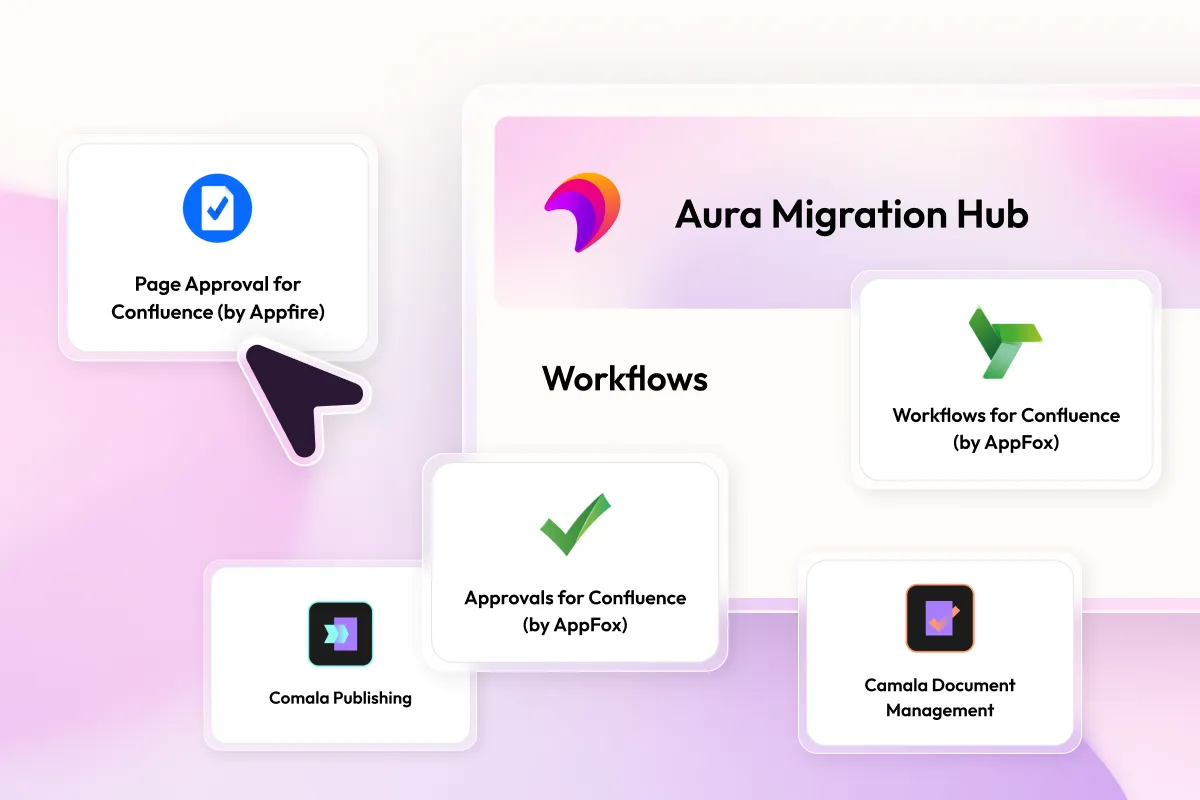
One App Instead of Multiple: If you’re also running Comala Document Management, Comala Publishing, or AppFox Workflows alongside Page Approval, Aura Workflow can replace all of them — consolidating your governance stack into a single subscription.
Before you start: What you need for the migration
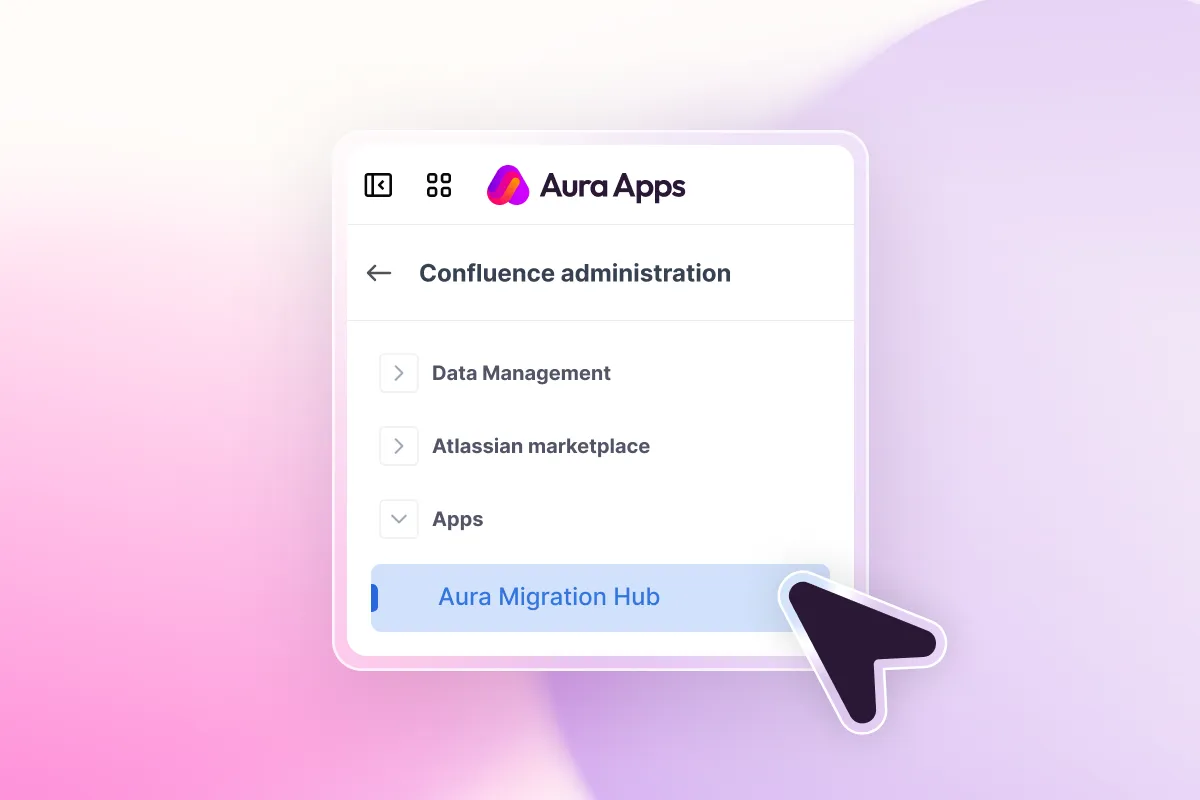
The Appfire Page Approval to Aura Workflow migration is available through the Aura Migration Hub in Confluence Cloud.
Prerequisites:
- Aura Workflow must be installed and your target workflows must already be configured in Aura — with approval states that match your current Page Approval setup where possible.
- You need Site Admin permissions in Confluence to access the migration feature.
- Contact the AppAnvil team to receive the migration script bundle, or let a consultant handle the migration for you.
How the migration from Appfire Page Approval to Aura Workflow works
The migration transfers your existing page approval assignments to Aura Workflow, preserving each page’s current approval state. Here is how the process works:
Step 1: Set up your workflows in Aura
Before migrating, recreate your approval workflows in Aura Workflow. Define your approval states (e.g., Draft, In Review, Approved, Published) and match them to your current Appfire Page Approval setup where possible. If a state name cannot be matched during migration, the page will be assigned the workflow’s initial state as a fallback.
Step 2: Run the migration script
AppAnvil provides a migration script that extracts your active approval assignments and generates a JSON file for upload. The script connects to your Confluence instance and maps each page’s current approval status to the corresponding Aura Workflow state.
Step 3: Review the generated JSON
Before uploading, verify the JSON file. Each entry contains the page title, current approval state, space key, target workflow name, and scope. Ensure workflow names match your Aura configuration exactly and state names align with the target workflow.
Step 4: Upload and start the migration
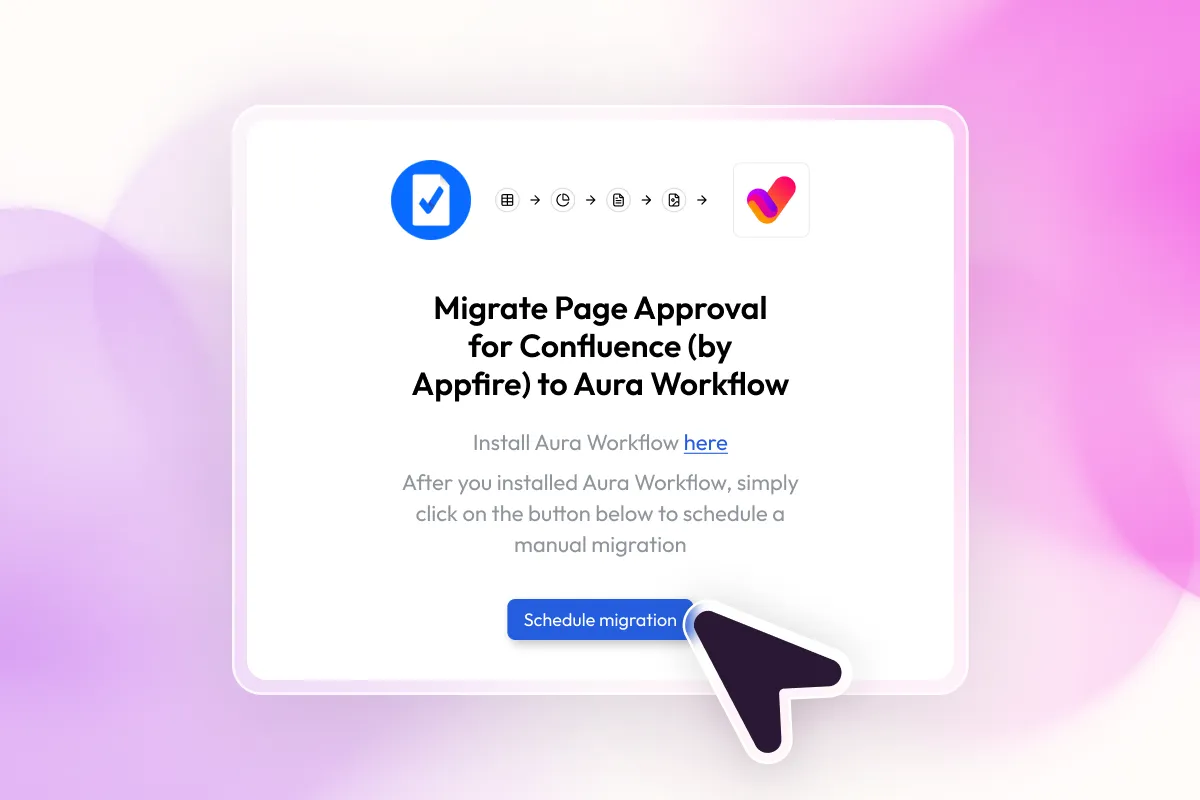
Open Aura Workflow in Confluence, navigate to the Migration section, and upload the JSON file. Click Start Migration to begin. Large files are uploaded in chunks automatically.
Step 5: Monitor and finalize
The migration UI shows applied pages, failed pages, and elapsed time in real time. You can stop and restart the migration at any time. After completion, each migrated page will have its Aura Workflow applied with the correct state, and a migration history event is recorded.
If some pages failed, review the count and retry for the remaining pages.