Why do your Confluence pages look like they were written in five minutes?
Your team has valuable knowledge, but the pages have no structure, no visual hierarchy, and no reason for anyone to keep reading. Non-technical users avoid the editor. Power users waste hours fighting the defaults. Two Confluence Cloud plugins fix both problems — without changing how your team already works.
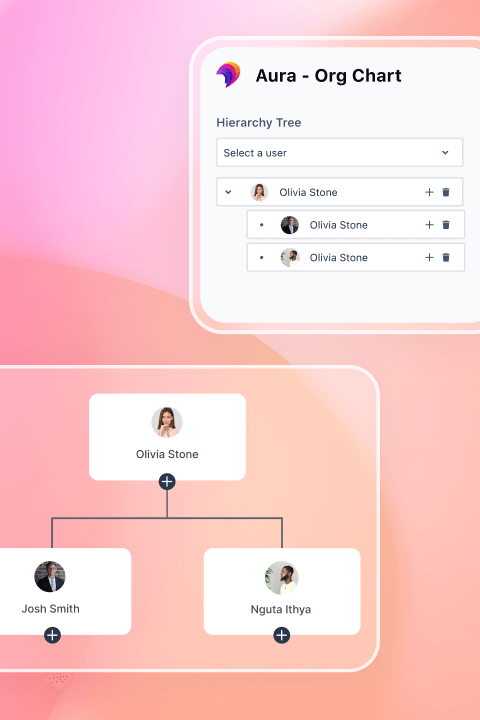

What if every team member could build pages people actually want to read?
Imagine your knowledge managers publishing polished hub pages in ten minutes — no designer, no admin ticket. Your product team embedding live Figma files and project dashboards directly into Confluence. Pages that look professional enough to share with customers, built by the people who own the content. Two Confluence plugins make this the default, not the exception.
 KarmaFor non-technical teams
How do non-technical teams build professional Confluence pages without design skills?
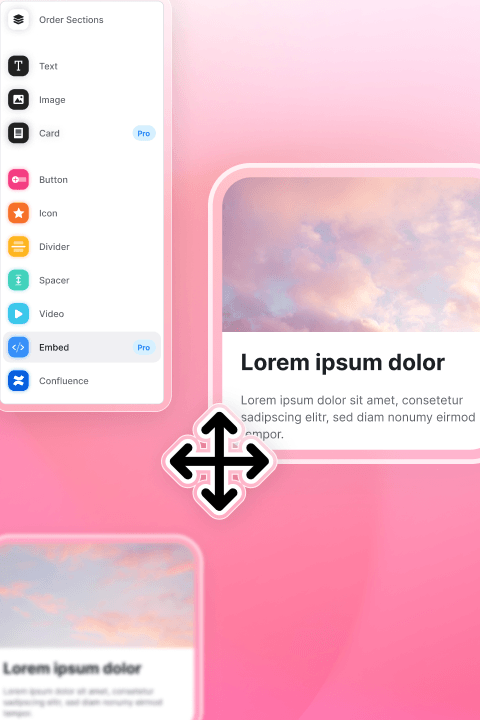
Karma is a visual page builder for Confluence Cloud that removes every technical barrier between your team and a good-looking page. Instead of fighting macros and layout options, content owners drag, drop, and publish.
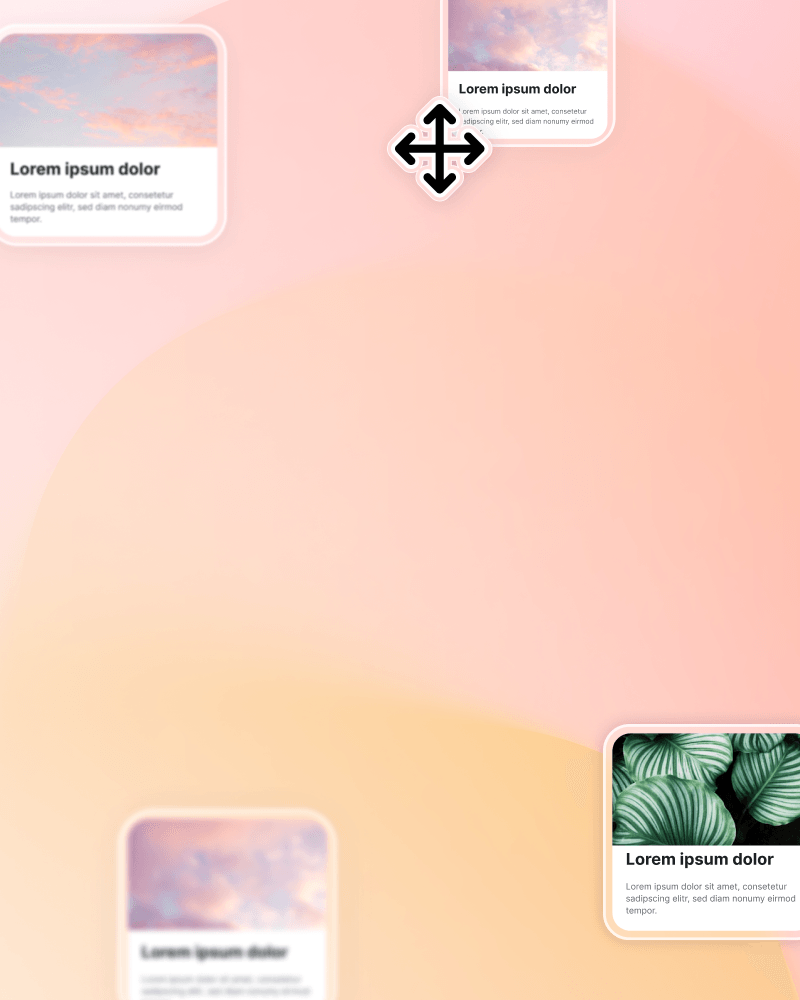
Visual Page Builder
Drag sections onto any page
No macros, no code — just drag and drop
Instant preview
See changes in real time as you build
Works for everyone
80% of employees who aren't power users start contributing
Knowledge Managers
Stop fielding weekly 'can you make this look better?' requests.
Product Teams
Ship roadmaps and changelogs without designer dependency.
Brand & Comms
Make Confluence look as professional as the company website.
HR & Onboarding
Create employee handbooks and portal pages anyone can maintain.
 Aura FormattingFor power users
How do Confluence power users build dynamic, data-rich pages without workarounds?
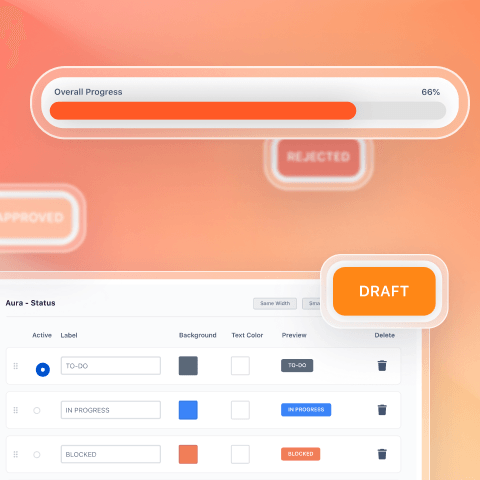
Aura Formatting is a content formatting suite for Confluence Cloud that gives admins and technical teams the macro-level control the native editor lacks. Where Karma makes page building easy, Formatting makes it limitless.
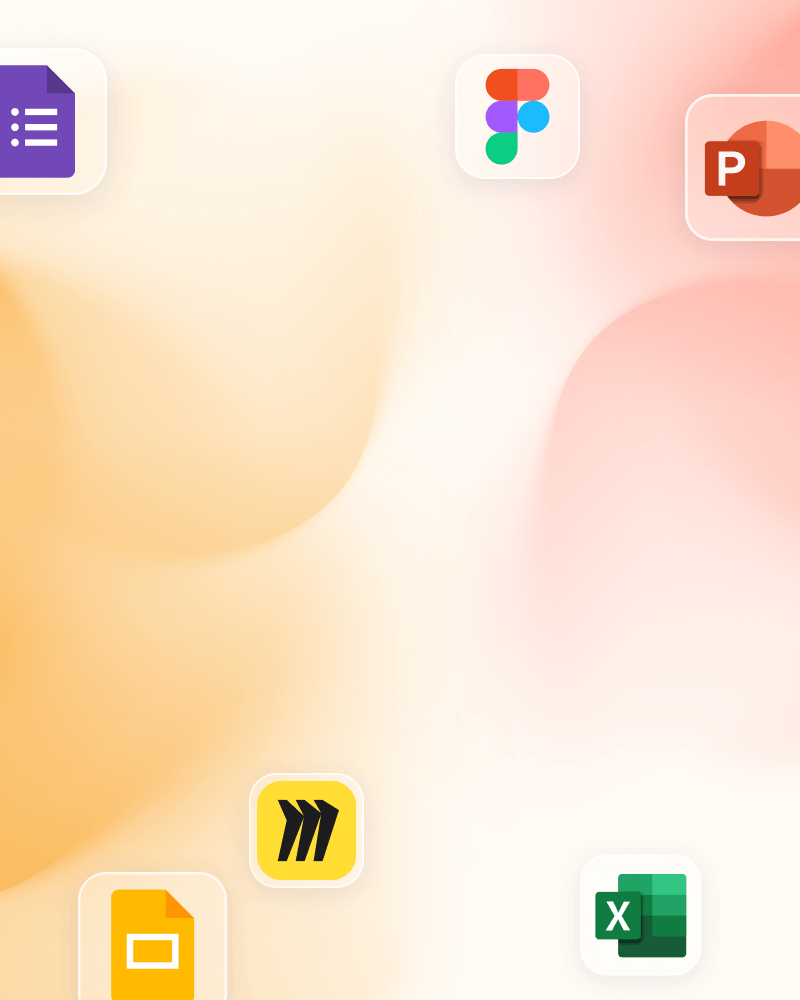
Native Live Embeds
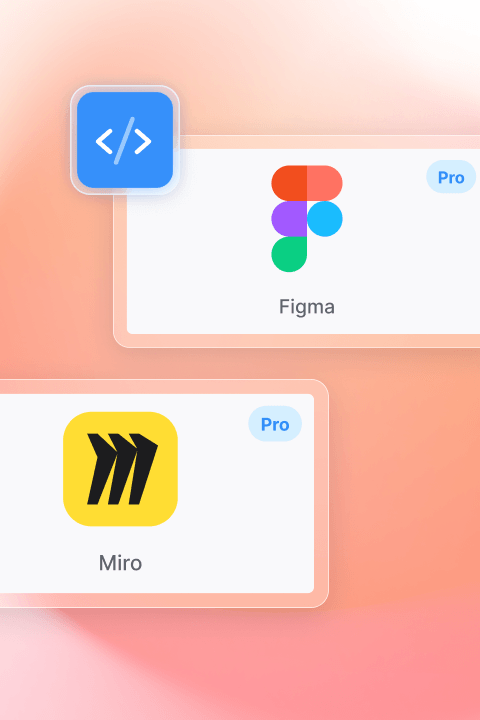
Figma, Miro, Google Sheets, Excel
Content stays in sync automatically
No stale screenshots
When the source updates, the page updates
One page, one conversation
Design reviews and budget discussions happen in context
Confluence Admins
Consolidate multiple formatting apps into one suite.
Product & Design Teams
Keep Figma and Miro content live instead of pasting stale screenshots.
Teams Migrating
Switch from other formatting tools with a structured transition path.
Karma Users
Expand into advanced formatting without adding a new vendor.
ProAlready using one? Add the other and unlock Karma Pro.
When both Karma and Aura Formatting are licensed on your Confluence instance, Karma automatically upgrades to Karma Pro. No separate purchase, no configuration.
- Embeds (Figma, Miro, Sheets, Microsoft 365)
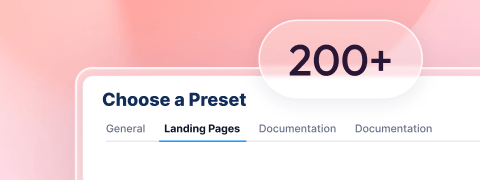
- Reusable page and section presets
- Custom fonts and icons
- Confluence content in Karma layouts
- Super User roles for preset management
See the difference.
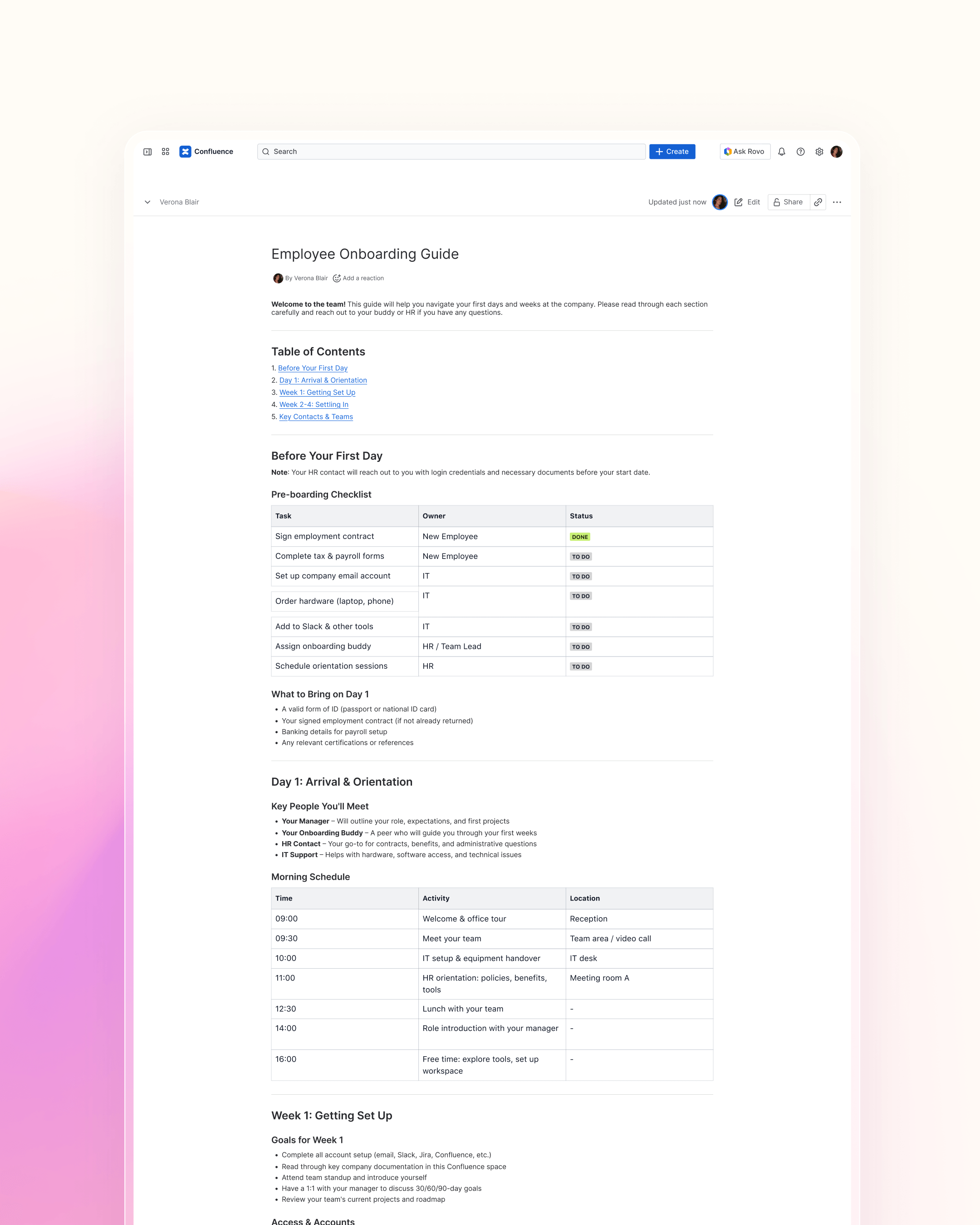
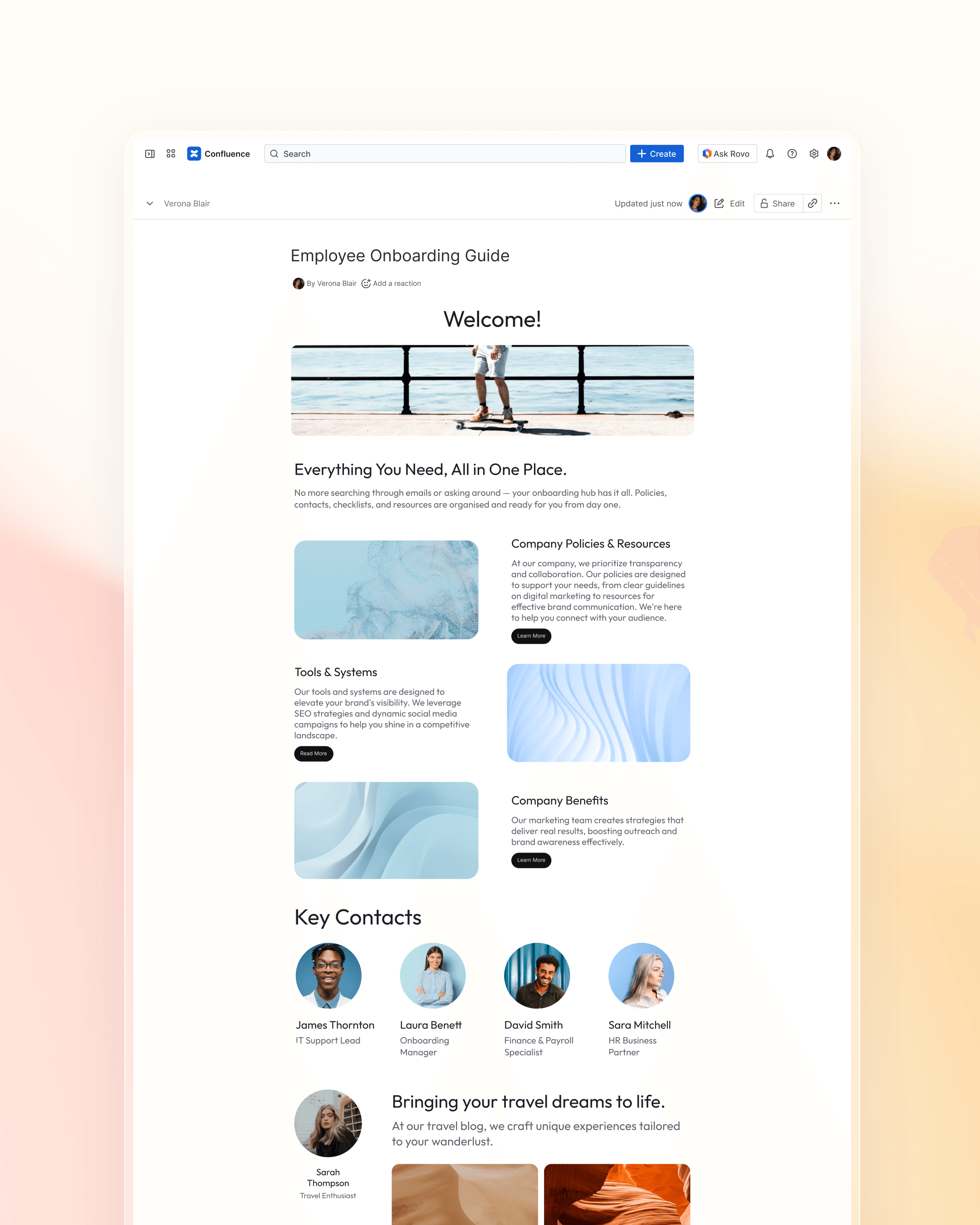
Drag to compare — same content, different experience.
Frequently asked questions
Ready to build Confluence pages your team actually wants to read?
Start a free trial on the Atlassian Marketplace. Or watch a demo to see both apps in action.