Still chasing approvals through email threads and shared documents?
Every regulated team knows the pattern. A policy update sits in draft for weeks because no one is sure who needs to sign off. The compliance officer asks for a history of changes, and you spend an afternoon reconstructing it from email threads. Two Confluence plugins bring structured approval workflows and searchable data views directly to your pages.

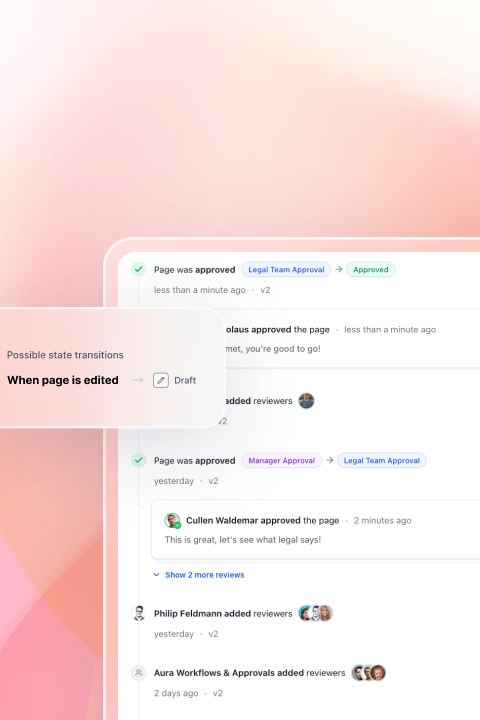
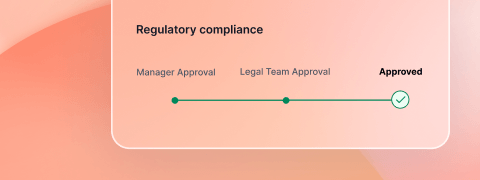
What if every Confluence page that needed approval moved through a defined process automatically?
Imagine a clear audit trail, role-based sign-offs, and no manual follow-up. And imagine if the tables holding your compliance data, resource lists, and project trackers were instantly searchable, filterable, and exportable by anyone on the team. Two Confluence plugins make this the default.
 Aura WorkflowFor regulated and process-driven teams
How do approval workflows work inside Confluence?
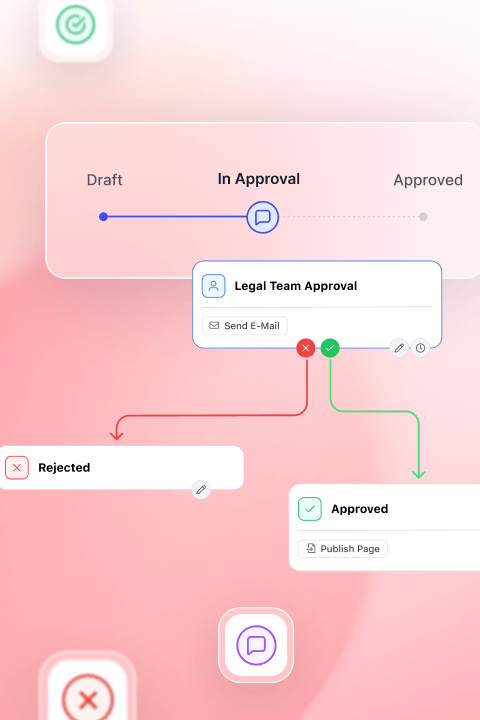
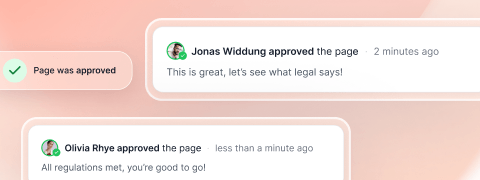
Aura Workflow adds structured approval processes directly to Confluence pages. Define workflow states, assign approval steps to specific roles, and apply them at the page, space, or global level. Every transition is logged. Every approval is traceable. The entire process runs inside Confluence.
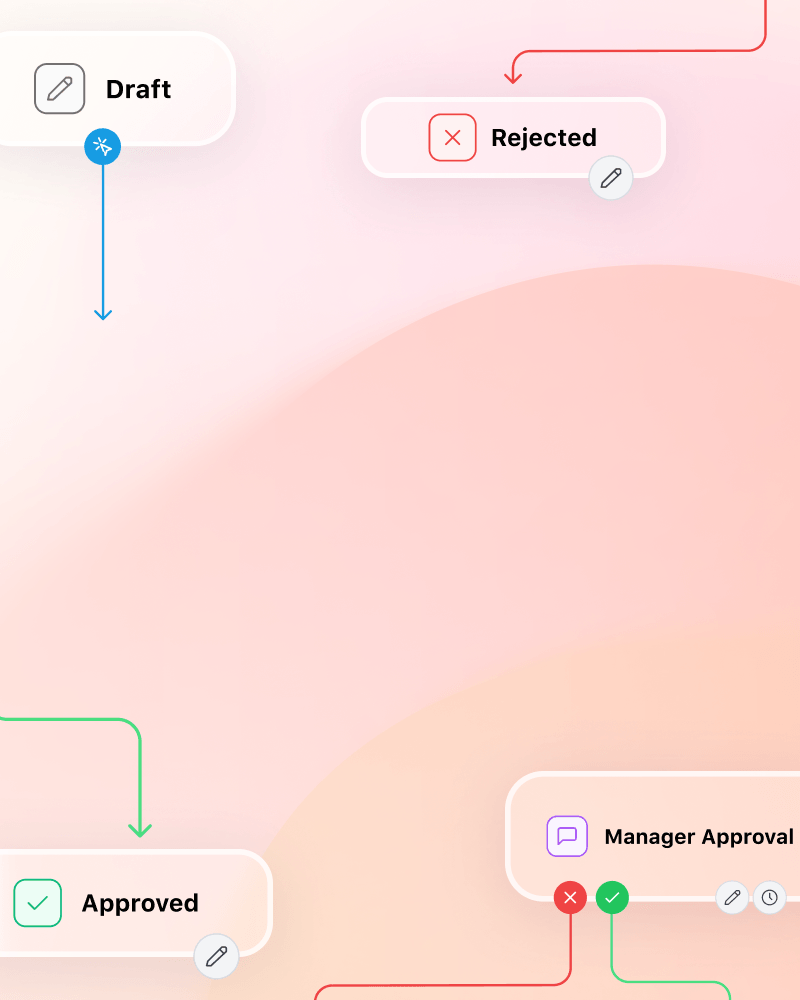
Structured Approvals
Approval steps on any Confluence page
Documents move through a defined process — no more 'who needs to sign this?' guessing
Role-based permissions per transition
Only authorized people can advance a document to the next stage
Custom workflow states
Define Draft, In Review, Approved, Archived — or any states that fit your process
Compliance & Legal
Audit-ready approval trails for policies, SOPs, and regulated documents.
HR & Operations
Structured onboarding processes and internal request workflows.
IT & Confluence Admins
Controlled page publishing with role-based approval gates.
Project Managers
Sign-off tracking and approval milestones for project deliverables.
 Aura Table Filter100% free
How do you make Confluence tables searchable and filterable?
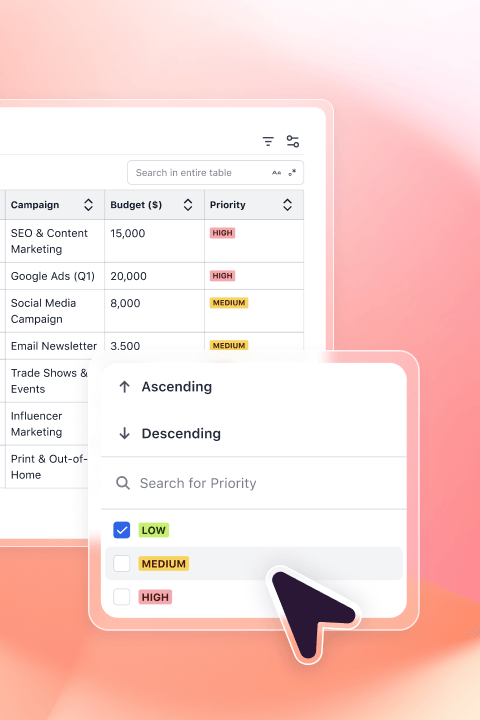
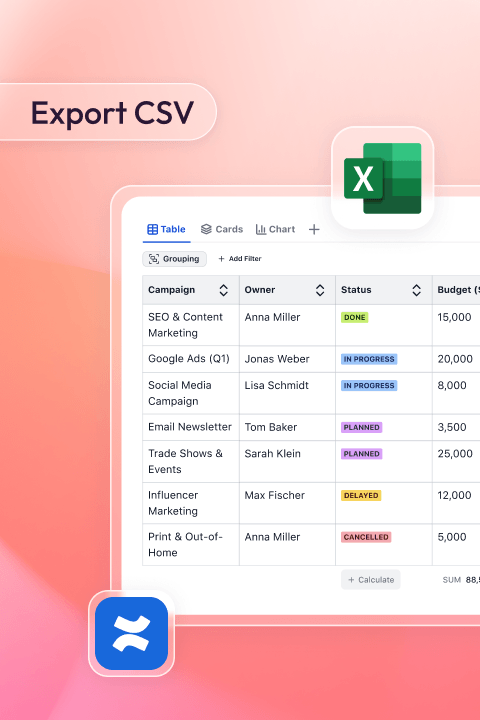
Aura Table Filter transforms any static Confluence table into an interactive view. Readers filter by column, sort in real time, group rows, and search across all content — without editing the page. Works on native Confluence tables and Page Properties Reports.

Interactive Table Controls
Filter by any column value
Teams find the data they need in seconds instead of scrolling through hundreds of rows
Real-time sorting
Click any column header to reorder — no page edit required
Full-text search across all content
Find specific entries instantly, even in tables with thousands of rows
Confluence Admins
Build governance dashboards from Page Properties Reports across spaces.
Operations
Searchable resource lists, inventory tracking, and process registries.
Project Managers
Filterable status tracking and project overviews across teams.
Compliance
Exportable, audit-ready data views from Confluence tables.
Frequently asked questions
Build a governed Confluence space in minutes.
Start with Aura Workflow for structured approvals and add Table Filter for searchable compliance data. Free trial available on the Atlassian Marketplace.